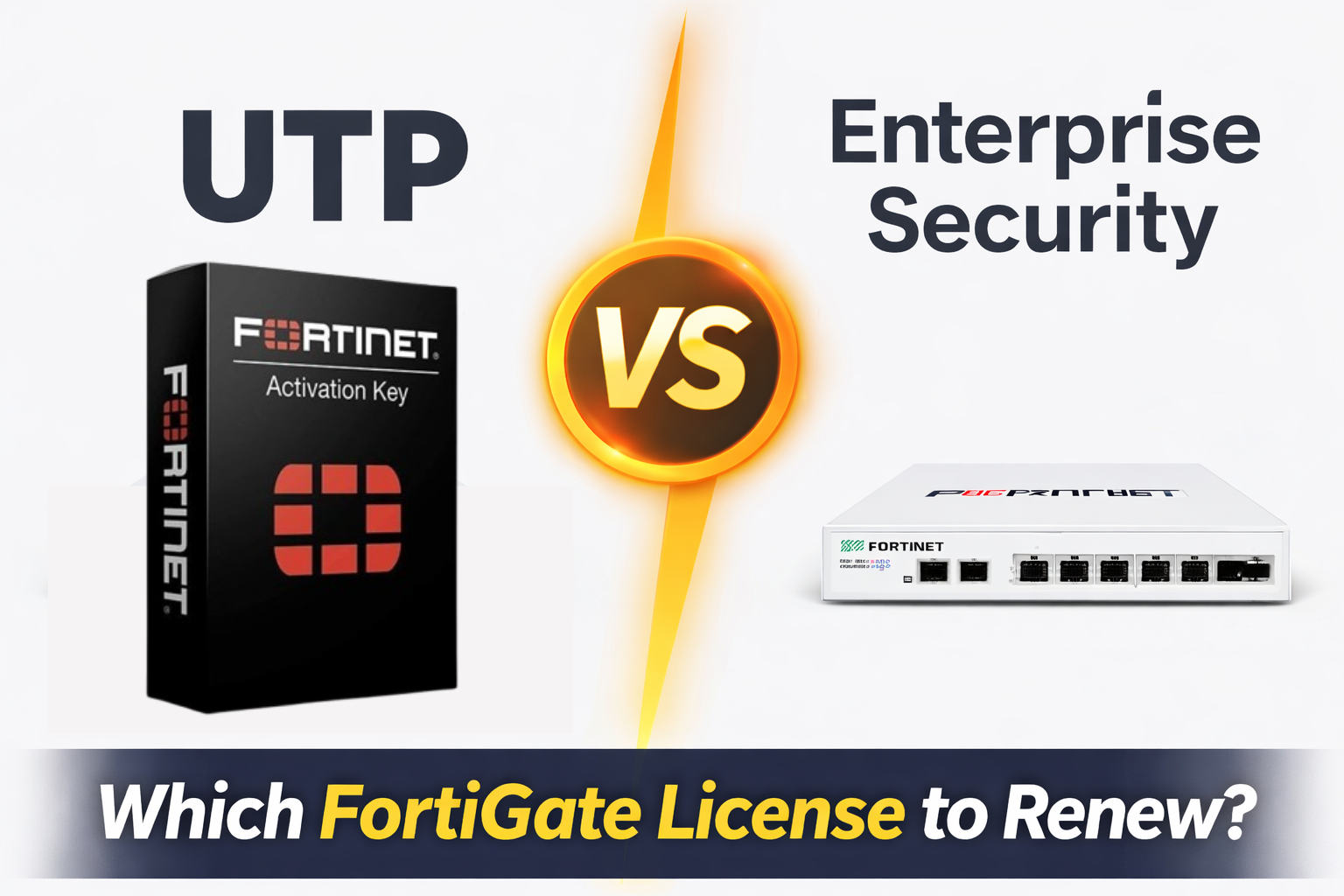
Choosing the right FortiGate license renewal is essential to keep your network secure and protected. This article provides a clear comparison between the UTP (Unified Threat Protection) License and the Enterprise Security Subscription, helping you understand which option best fits your business needs.
Renew FortiGate License Explained :
When you FortiGate License is about to expire, one big question comes up: Should you renew the UTP license or upgrade to the Enterprise Security Subscription ?
If You are Searching For:
- Which FortiGate License do I need
- How to renew FortiGate License Online
- Fortinet License for small Business Firewalls
This Guide will help you make the right decision.
What is FortiGate License?
A FortiGate Firewall Requires an active FortiGate Subscription to enable advanced security features. Without a license your firewall will pass traffic, but critical protections like IPS, Antivirus, and web filtering will stop updating.
Fortinet Offers two popular Security Subscriptions –
- UTP License (Unified Threat Protection)
- Enterprise Security Bundle
What Is the UTP License ?
The UTP License is designed for Small and Mid – Sized Business that need strong protection at a reasonable cost.
UTPÂ License Includes
- Intrusion Prevention System (IPS)
- Antivirus & Anti-Malware
- Web Filtering
- Application Control
- Email Filtering
- SSL Inspection
- FortiGuard threat Intelligence
- Forti Care Support
Best ForÂ
- Small Business
- Branch Office
- Home Offices
- Cost-sensitive Deployments
Popular SearchesÂ
- FortiGate 30G UTP License Cost
- FortiGate 100F UTP Subscription Price
- FortiGate 40F License Renewal
For most organizations, UTP is the default and most cost-effective choice.
What Is the Enterprise Security Subscription?
The Enterprise Security Bundle includes everything in UTP plus advanced, cloud-based security services.
Enterprise Bundle Adds
- Advanced Threat Protection (ATP)
- FortiSandbox malware analysis
- FortiAnalyzer cloud logging
- DNS Security
- IoT detection
- Botnet protection
Best For
- Â Enterprises
- Compliance-driven industries
- High-risk environments
- Large offices with sensitive data
This bundle is commonly referred to as a Fortinet advanced security license (1 year or more).
UTP vs Enterprise — Quick Comparison
| FEATURE | UTP LICENSE | ENTERPRISE SUBSCRIPTION | |
|---|---|---|---|
| IPS / Antivirus | |||
| Web Filtering | |||
| Application Control | |||
| Sandbox / ATP | ✘ | ||
| Cloud Analytics | ✘ | ||
| Best For | Small Business | Enterprise | |
| Cost | Lower | Higher |
How to Renew FortiGate License Online
Many users search for how to renew FortiGate license online, so here is a simple process.
License Renewal Steps
- Find your FortiGate serial number
- Purchase renewal from an authorized partner
(Example search: buy FortiGate license online USA) - Receive the registration code
- Log in to the Fortinet Support Portal
- Register the license and assign it to your firewall
- Sync FortiGuard services
This applies to:
- FortiGate 30G
- FortiGate 40F
- FortiGate 80F
- FortiGate 100F
Common Renewal Scenarios
- Best with UTP
- Affordable renewal
- Ideal for home & small offices
- UTP renewal is most common
- Enterprise optional for higher security needs
- UTP for mid-size businesses
- Enterprise subscription for enterprises
Cost Considerations
- Firewall model
- Subscription type
- License duration (1–3 years)
- Region (USA pricing differs by partner)
- FortiGate 100F UTP subscription price
- Fortinet advanced security license 1 year
Final Thoughts
For 90% of small and medium businesses, the UTP license provides the best balance of security and cost. For large enterprises or high-risk environments, upgrading to the Enterprise Security Subscription is worth the investment. Renewing the right FortiGate license ensures your firewall stays protected, updated, and compliant in 2026 and beyond.